How the AI writes your role
When you post a role, the Risenoow AI writes four things: the job description, the written screening questions, the voice interview questions and the technical interview questions. It works only from what you give it, checks its own work against fixed rules, and hands everything back to you to review before anything is published.
Where: Post a role, steps 2 and 4
Who can use it: Workspace admins and recruiters
Time needed: About five minutes to read
What the AI works from
| Source | How it is used |
|---|---|
| Role facts from step 1 | Treated as fixed truth. The AI may not contradict them or put its own default in their place. |
| Your notes in Anything else the AI should know? | Treated as instructions from the hiring team. Followed in the description and in all three sets of questions. |
| The Company you chose | Its name and introduction shape the description and the voice greeting. |
| The description you approve | The source for every question. |
Facts you did not give stay out. The AI never invents a team, a reporting line, benefits, customers, markets or pay. Pay is only ever quoted exactly as you entered it, in your currency and period. If you gave no pay, any figure that slips into the questions is removed.
The Job title you typed on step 1 is always the title the role keeps.
Writing the description
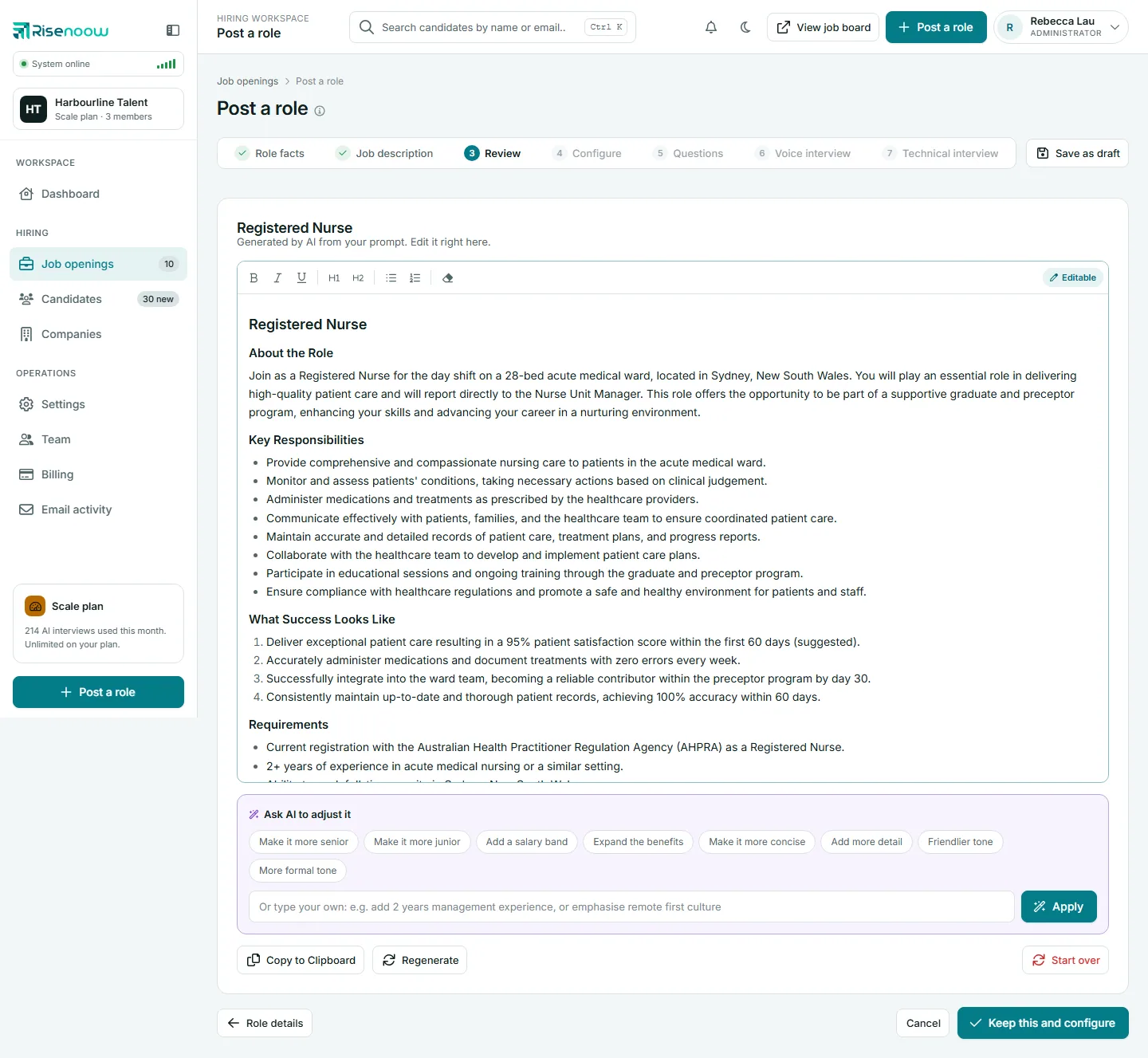
With Write with AI, the description has these sections: About the Role, Key Responsibilities, What Success Looks Like, Requirements, Nice to Have and What We Offer. What Success Looks Like appears only when you give targets for the role. There is no word limit. The aim is a complete description a strong candidate can decide on.
Before you see it, the draft is checked:
- the sections are present, in order, under one title
- no filler words, such as "dynamic" or "fast paced"
- no team, colleague or reporting line you did not mention
- no pay figure other than yours
- success targets only when you gave them, with only your numbers; the AI never proposes a target of its own
- tools placed correctly: the ones you named under Requirements or Nice to Have, and only tool types, such as "a CRM", for the rest
- experience given as a number or a scope, and no sentence over 30 words
If a check fails, the AI writes the draft once more with the failures named, and the better of the two is kept. Text you paste, import or upload keeps your wording. The AI only tidies its layout, or rewrites it for your company when you ask.
Writing the questions
When you select Generate questions on step 4, the AI works in this order:
- Reads the role. It turns your approved description and role facts into a short profile: responsibilities, must haves, tools, success measures, customers and markets, and hard conditions such as a required licence. Where the description is silent, the profile stays empty rather than guessing.
- Writes the written questions. Requirement questions first, one per hard condition, then experience, evidence of results with numbers, a short scenario and practical questions such as start date.
- Writes the technical questions for the second stage interview, avoiding anything the written form already asks.
- Saves the role, unpublished.
- Writes the voice questions, when the role has a voice interview, avoiding anything the other two sets already ask.
Each set is told what the others ask, and a final check replaces any question that repeats another stage. Between them, the three sets cover the whole description.
Every question must name something from your description, such as a task, tool, customer type or result. Generic questions, self ratings (apart from one allowed rating question for essential tools) and questions about protected matters such as age or visa status are not allowed. Each set gets the same check and one automatic retry. A question that still fails is removed, as long as the set keeps enough questions, so you may get up to two fewer written questions than you chose.
Requirement questions start as Flag
Every requirement question the AI writes starts as Flag for review: a candidate who gives another answer still finishes and stays in your list, marked. Nothing is set to Auto decline until you choose it on the Questions step. Work rights are asked about only when you chose Any valid work rights or Citizens and permanent residents only on step 1.
Why it takes a little while
Writing a role takes several separate AI requests, each checked, some retried. A wait of a couple of minutes after Generate questions is normal. Stay on the page until the Questions step opens.
You stay in charge
The AI drafts. You decide. You can edit the description on the Review step, change or delete any question on steps 5 to 7, and nothing is public until you publish. Read the requirement questions with care before you do.
Frequently asked questions
Does the AI make up facts about my company?
It is told not to, and its drafts are checked for invented teams and pay. Benefits, customers and markets come only from your notes and company details. Read the draft before you publish, as you would any first draft.
Why does the AI need so long?
It writes and checks four pieces of work separately, and writes any piece again once when a check fails. That takes up to a couple of minutes, in return for questions that fit the role.
Will candidates be declined automatically?
Not by the AI. Every requirement question starts on Flag for review. Only you can switch a question to Auto decline.
Are the questions written in my language?
The description, written questions and technical questions use the written language from step 2. The voice questions use the voice language.
Can I tell the AI to ask a particular question?
Yes. Write it in Anything else the AI should know? on step 2. Requests there are followed in every stage.