Responses tab
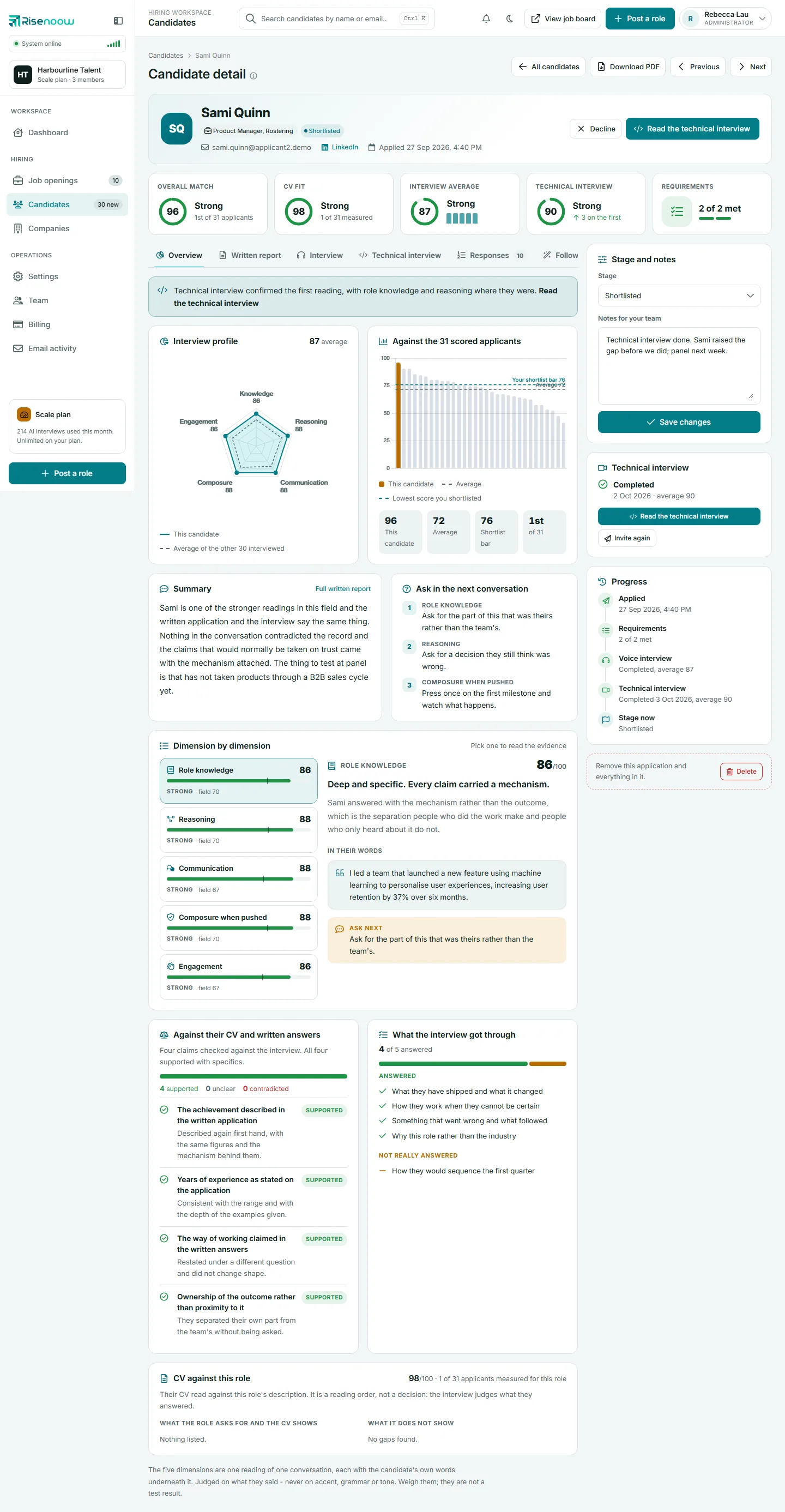
The Responses tab on a Risenoow candidate record lists every answer the candidate gave to the role's written screening questions, numbered in the order they were asked and grouped by category. Use it to read the raw answers behind the scores and the written report.
Where: Candidates in the left menu, open a candidate, then the Responses tab
Who can use it: Admins, and recruiters on the roles they can see
Time needed: Two to five minutes
What the tab shows
The tab name carries a count of the answers on record. Inside, the answers are grouped into cards, one for each question category on the role. A question with no category is grouped under Questions.
Each answer has:
- a number, Q1, Q2 and so on, running across all the groups in the order the questions were asked
- the question, or the field label when a question has several parts
- the candidate's answer underneath
How each answer type is shown
| Question type | How the answer appears |
|---|---|
| Short text | The text as typed. |
| Long text | The text as typed, with the candidate's line breaks kept. |
| Single choice | The chosen option as a tag. |
| Multiple choice | Each chosen option as its own tag. |
| Rating | Each item and the rating given, as tags such as "Teamwork: 4". |
An empty answer shows as a single dash. For the question types themselves, see Field types.
How to use the answers
- Open Candidates in the left menu and select a candidate's name.
- Select the Responses tab.
- Read the answers that matter most for the role first, usually the long text ones.
- Compare any claim with the Interview tab, where the candidate had to explain it out loud.
- Note follow up points in Notes for your team.
Good to know
The Against their CV and written answers card on the Overview tab has already checked the main claims in these answers against the interview, marking each Supported, Unclear or Contradicted. See Claims and CV checks.
Answers you will not find here
Some parts of the application live on other tabs:
| What | Where |
|---|---|
| Requirement questions and whether each was met | Requirements tab, as well as here |
| The questions the AI asked after the written ones | Follow ups tab |
| What they said in the voice interview | Interview tab |
| Their cover letter, when there is one | Cover letter tab |
When a candidate has no written answers on record, the tab says This candidate has no written answers on record.
Frequently asked questions
Why are the questions numbered differently from my role's list?
The numbers count every answered field in order across all the category groups. A question with several fields takes one number per field.
I edited a question after the candidate applied. What do I see?
The answers stay linked to the questions on your role, so the tab shows the question as it is now with the answer the candidate gave. If you delete a question, its answers no longer show on this tab.
Are the written answers in the PDF?
Yes. The Download PDF file ends with a table of every question and answer. See PDF and export.
Can I edit a candidate's answer?
No. Answers are shown as the candidate submitted them.